SRT Restreaming
SRT Restreaming allows you to forward a stream from Ant Media Server to an SRT endpoint.
You can publish streams to Ant Media Server using protocols such as WebRTC, RTMP, SRT, or RTSP, and then restream the same content to a remote SRT destination. This helps when downstream systems or broadcast workflows require SRT for reliable low-latency delivery.
For example, a user may publish a live stream to AMS via WebRTC or RTMP and then forward it to a cloud production system, broadcaster, or remote datacenter that accepts only SRT input. This is commonly used in live sports broadcasting, remote production, and contribution workflows where stable transport over unpredictable networks is critical.
Follow the below steps to see SRT restreaming in action:
Step-1: Publish Stream to Ant Media Server.
For example, we will publish the WebRTC stream to AMS and use a live application for it.
Check out this WebRTC publishing document for reference.
https://domain:5443/live/?id=test
Here test is the streamId
Step-2: Add SRT Endpoint
For example, we will add the SRT endpoint of another application named LiveApp of the same AMS.
But you can use any other SRT endpoint as well.
Add/remove Endpoint via Web Panel
Adding & Removing Endpoint via the web panel is straightforward, as you can see in the below screenshot.
-
After creating/publishing the live stream, click on the three horizontal lines in front of the stream and click on
Edit ReStreaming Endpointsbutton.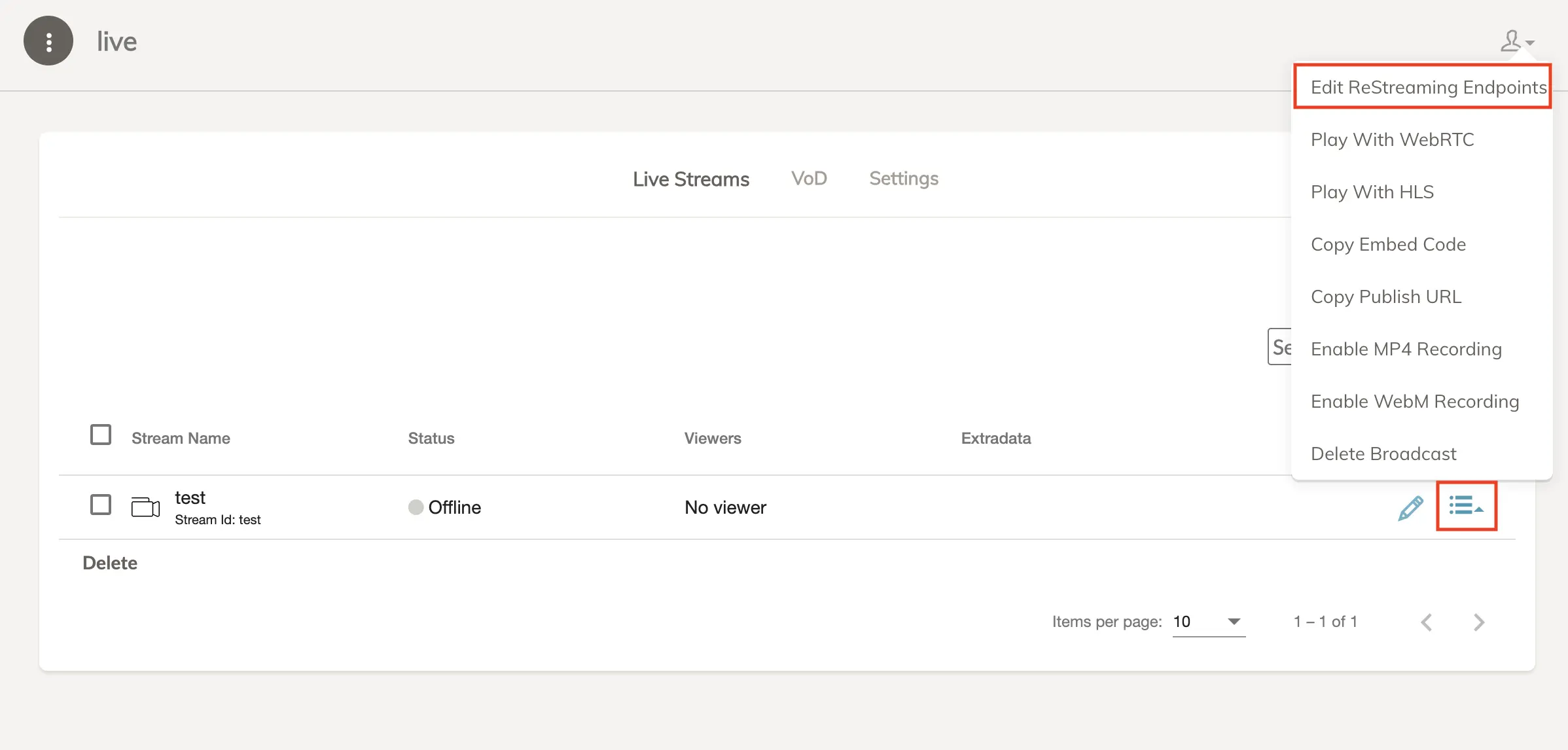
-
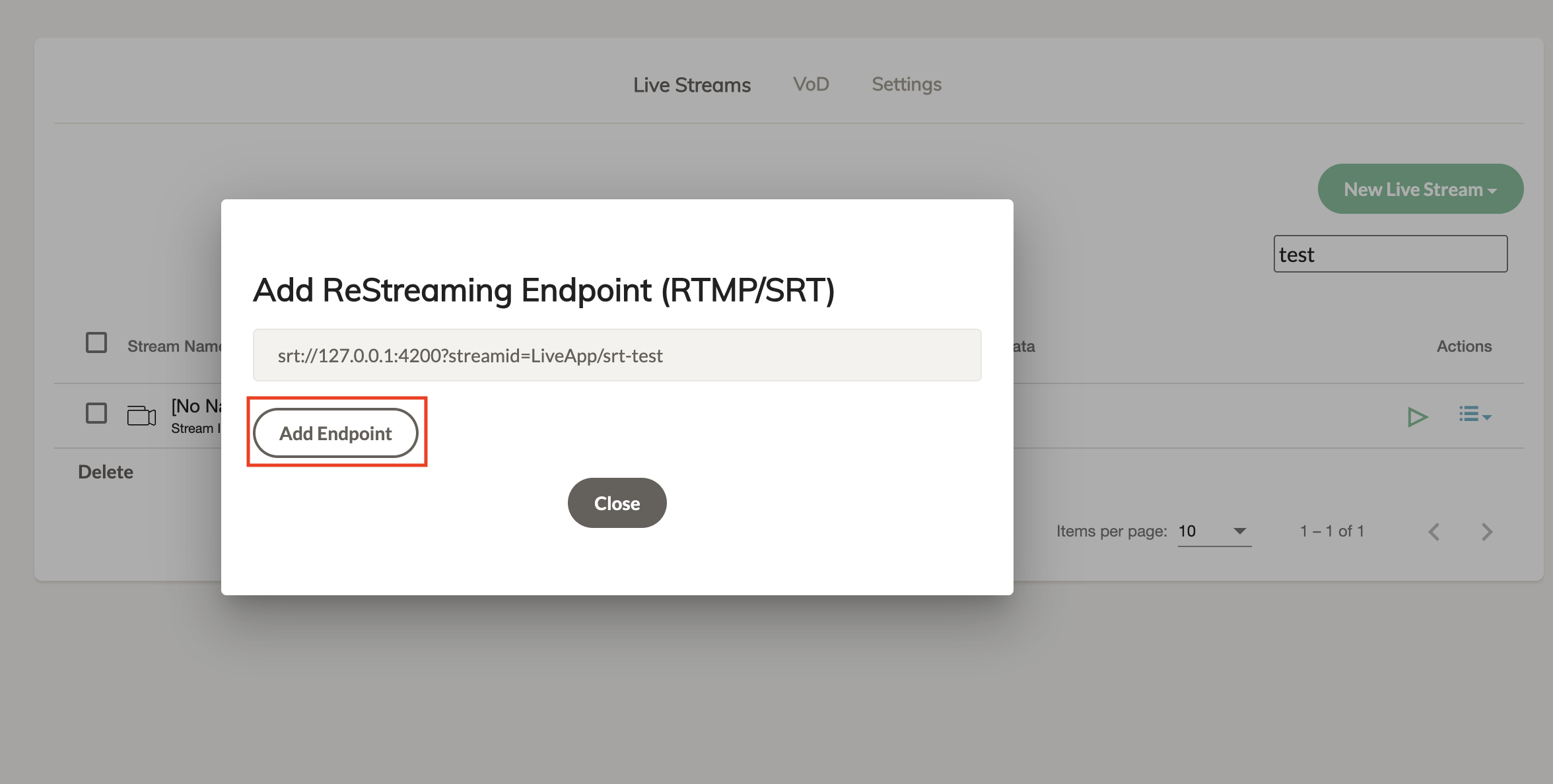
Now add your SRT endpoint.
Add/Remove Endpoint via Rest API
Use the following APIs for adding & removing the endpoints.
-
Add Endpoint API Sample
curl -X 'POST' \
'https://domain:5443/live/rest/v2/broadcasts/test/endpoint' \
-H 'accept: application/json' \
-H 'Content-Type: application/json' \
-d '{
"endpointUrl": "srt://127.0.0.1?streamid=LiveApp/srt-test"
}'
Here is the response from the server.
{"success":true,"message":null,"dataId":"customm4ugat","errorId":0}NOTE: The
dataIdis important to remove the endpoint so it needs to be saved somewhere. -
Remove Endpoint API Sample
curl -X 'DELETE' \
'https://domain:5443/live/rest/v2/broadcasts/test/endpoint?endpointServiceId=customm4ugat' \
-H 'accept: application/json'
Step-3: Check Destination Server
After publishing the stream and adding the endpoint, check out the destination to verify the stream.
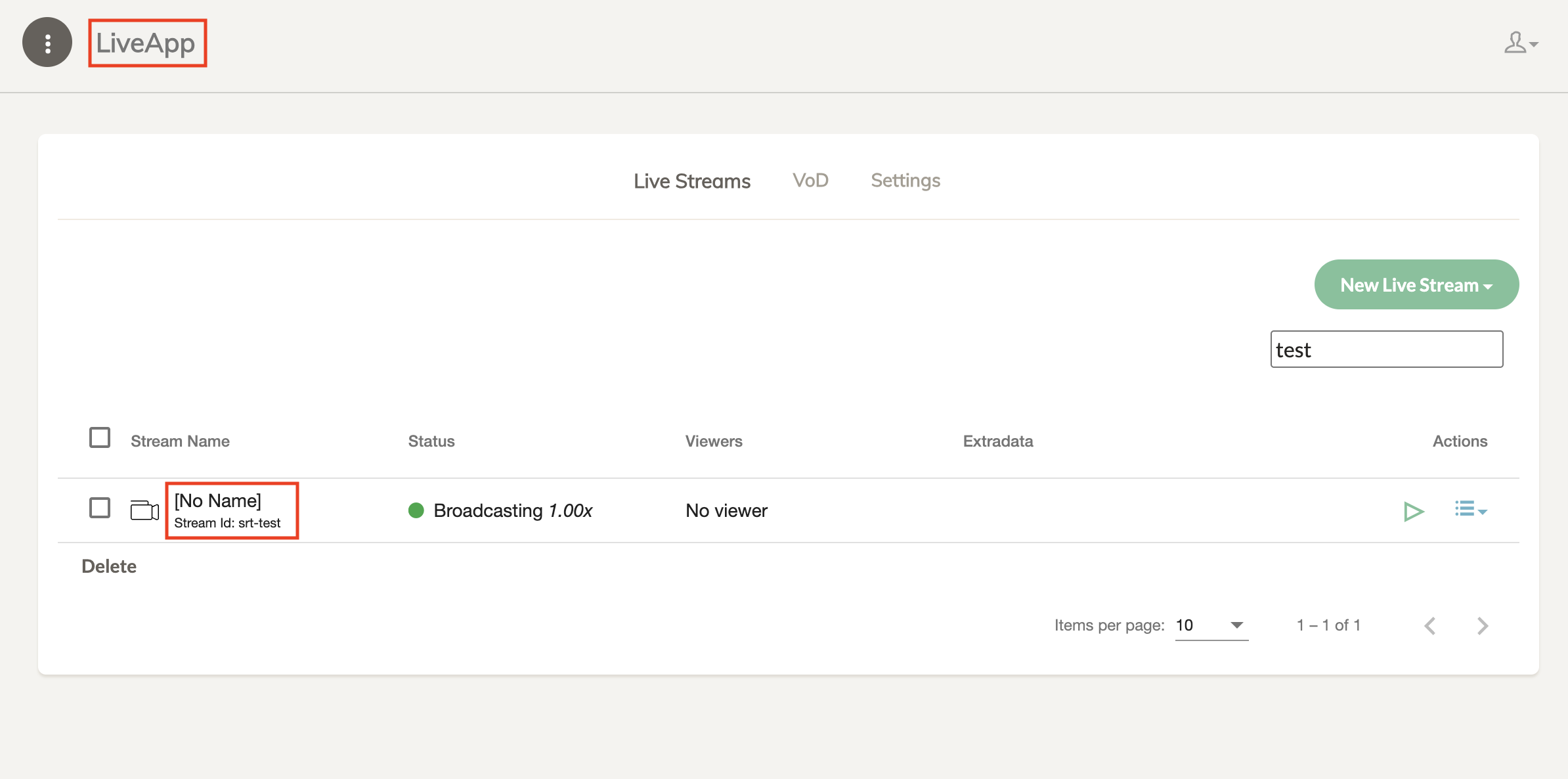
In this case, we will check the LiveApp application to check the restream.