MoQ (Media over QUIC)
Media over QUIC (MoQ) is an emerging live streaming protocol built on QUIC and WebTransport. It delivers sub-second latency like WebRTC while scaling through a CDN relay like HLS—no plugins or native apps required.
MoQ is still an evolving IETF standard. The AMS MoQ plugin is based on moq-lite, a deployable subset of the spec. Treat this as early access and keep an eye on updates.
Requirements
- Ant Media Server 3.0.0 or later
- Linux x86_64
sudoaccess- Chromium-based browser (Chrome, Edge, Brave) for playback — Safari is not supported; Firefox is unstable
Installation
1. Download and unzip the plugin
Download MoQPlugin-release.zip and upload it to your Ant Media Server, and then.
sudo unzip MoQPlugin-release.zip
cd MoQ-Plugin
2. Install the plugin and relay binaries
sudo chmod +x install-moq-plugin.sh
sudo ./install-moq-plugin.sh
3. Copy the MoQ player pages to your AMS application
sudo mkdir -p /usr/local/antmedia/webapps/live/moq
sudo cp -r moq-ams-player-build/* /usr/local/antmedia/webapps/live/moq
4. Restart AMS
sudo service antmedia restart
After the restart, the player and publisher pages are available at:
https://your-server:5443/live/moq/play.html
https://your-server:5443/live/moq/publish.html
Before you open the pages:
- HTTPS is required on real servers. Browsers only allow WebTransport over HTTPS. Localhost is the only exception.
- Open port 4443 (UDP/TCP). The embedded MoQ relay listens on this port. Make sure it is open to inbound traffic.
Publish Stream via MoQ
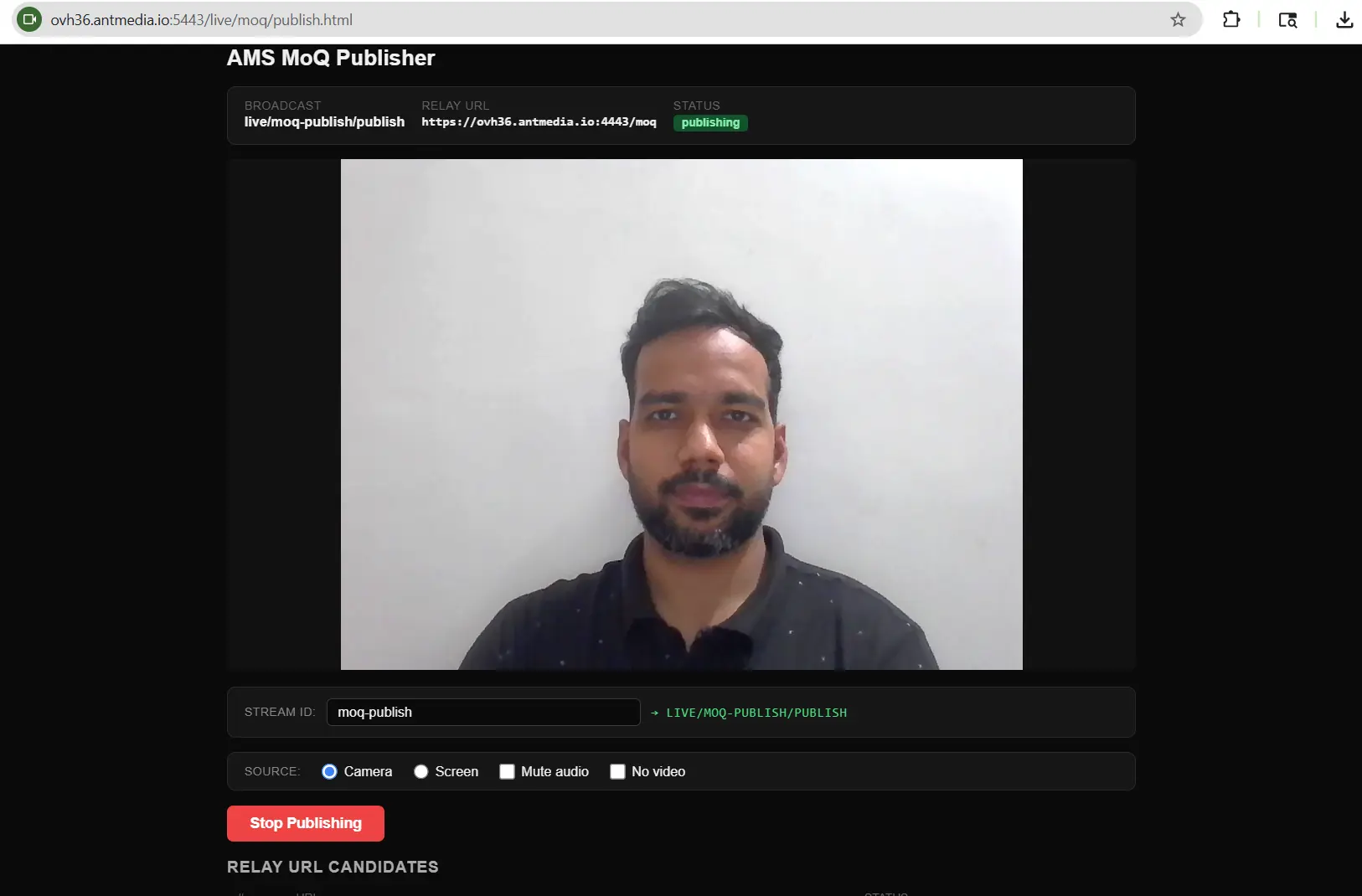
Option 1 — Browser Publisher (Built-in)
- Open
https://your-server:5443/live/moq/publish.htmlin a Chromium-based browser. - Enter a stream ID.
- Select Camera or Screen as the source.
- Click Start Publishing.
The stream is now live on the MoQ relay and fully available inside AMS—recording, REST API, and adaptive bitrate all work as normal.
Option 2 — Any MoQ-Compatible Client
Publish directly to the relay URL using any moq-lite-compatible tool:
moq://your-server:4443/moq/streamId/publish
AMS picks up the stream as a regular broadcast automatically.
Play Stream via MoQ
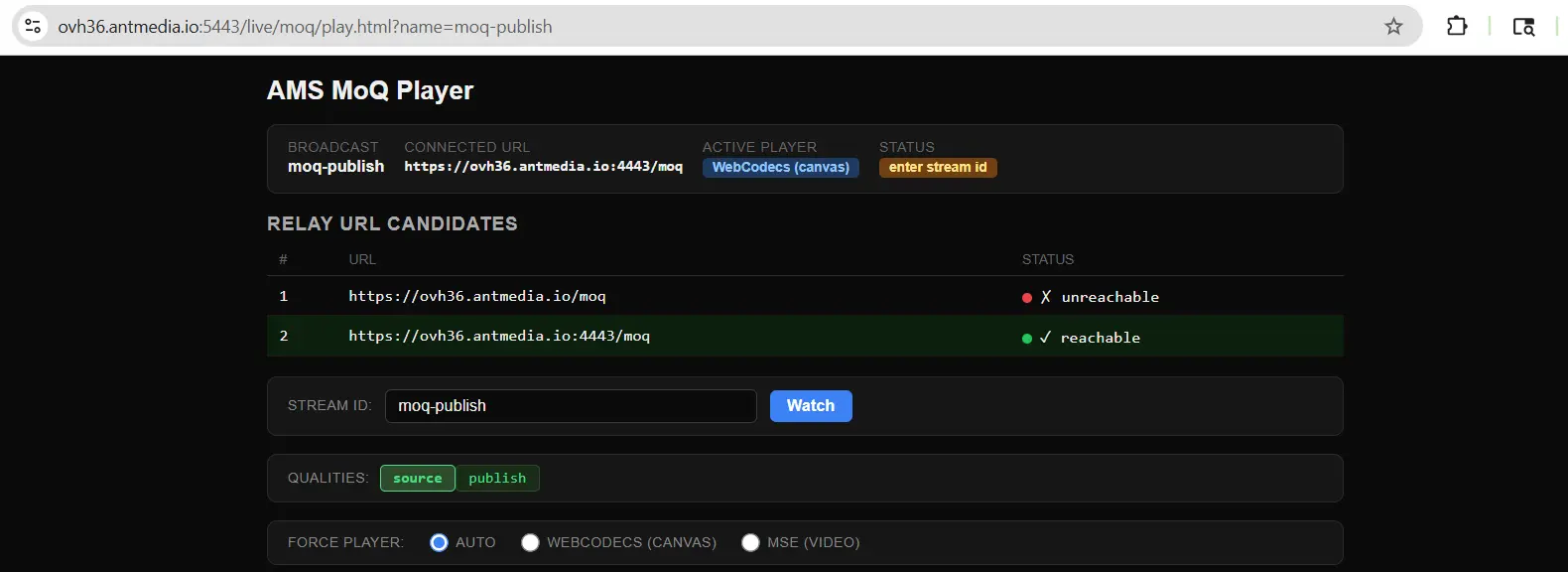
- Open
https://your-server:5443/live/moq/play.htmlin a Chromium-based browser. - Enter your stream ID and connect.
- Select a quality track:
- source — original quality as published into AMS
- 720p / 480p — if adaptive bitrate renditions are enabled and transcoded by AMS
- publish — stream sent directly from the browser publisher, bypassing AMS entirely (lowest overhead, but no ABR, recording, or AMS pipeline features)
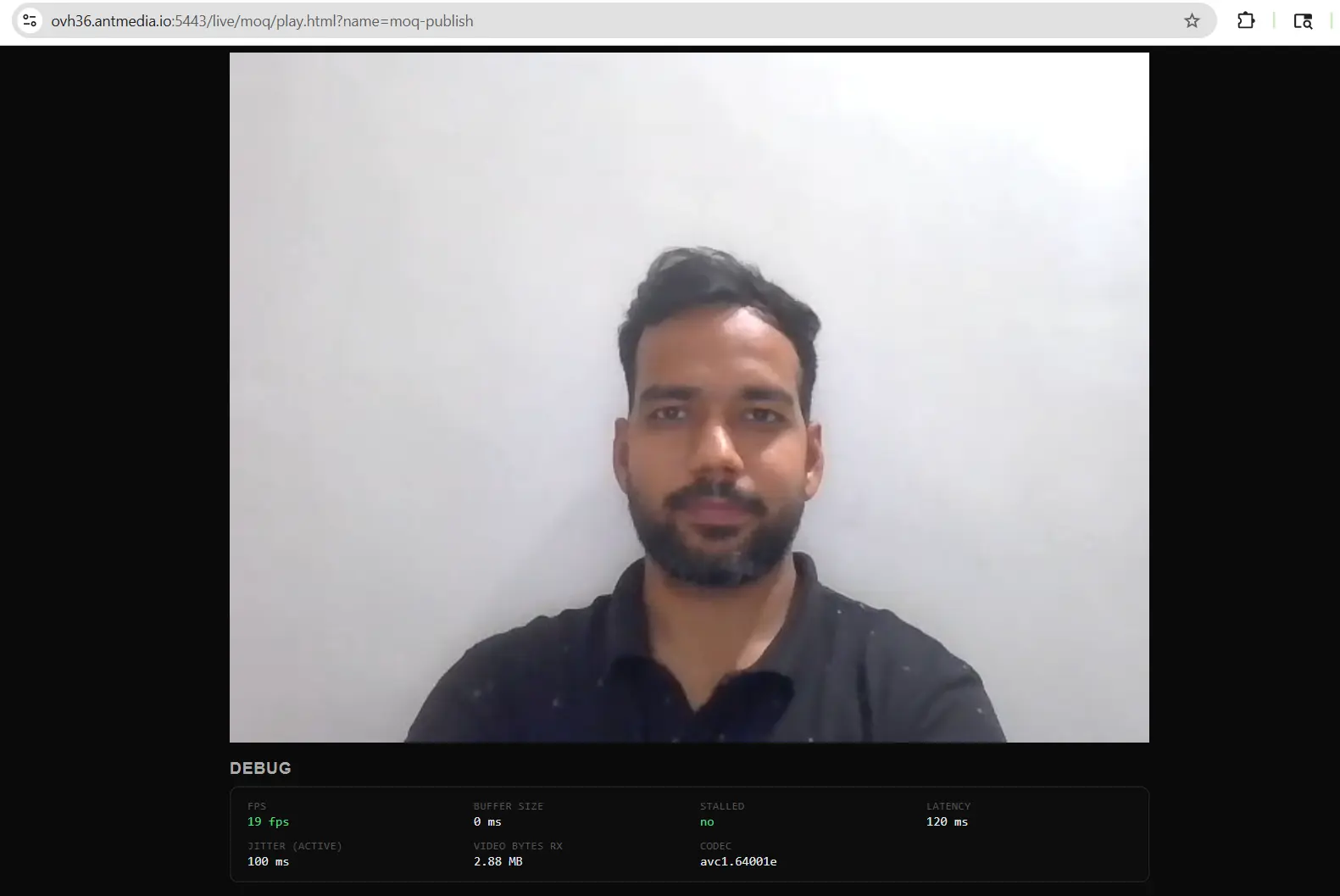
- The stream is now playing live with MoQ.
Stream URLs follow this format:
moq://your-server:4443/streamId/source
moq://your-server:4443/streamId/720p
Configuration (Optional)
The plugin works out of the box. To override defaults, go to Settings → Advanced in the AMS web panel and add the following under customSettings:
{
  "customSettings": {
    "plugin.moq": {
      "useEmbeddedRelay": true,
      "ingestEnabled": true,
      "externalRelayUrl": "https://relay.example.com:9000/moq",
      "ingestPollIntervalMs": 2000
    }
  }
}
| Setting | Default | Description |
|---|---|---|
useEmbeddedRelay | true | Use the bundled moq-relay on port 4443. Set to false to use an external relay. |
ingestEnabled | true | Enable MoQ ingest via announce polling. Set to false if AMS is publish-only. |
externalRelayUrl | localhost:4443 | URL of the external relay. Only used when useEmbeddedRelay is false. |
ingestPollIntervalMs | 2000 | How often (ms) to poll the relay's /announced endpoint for new streams. |
Supported Codecs
| Type | Codecs |
|---|---|
| Video | H.264 (AVC), H.265 (HEVC) |
| Audio | AAC, Opus |
Codecs outside this list (e.g., VP8, AV1) are not yet supported.
What's Next
MoQ playback and publishing will be built directly into the main AMS web player in a future release. Full IETF moq-transport (moqtail.dev) support is on the roadmap.
Check the MoQ blog post to read more about MoQ implementation and more detailed insights.
For questions, visit the Ant Media community forum