Data Channel Sample Using React Native SDK
- Open the /example/src/Chat.tsx file and update the defaultStreamName variable for streamId and the webSocketUrl variable with your server domain or IP address.

- Open the /examples/android folder and provide read, write, and execute permissions to the gradlew file.
chmod 750 gradlew
- Move to the examples folder, edit the below index.js file as below:
import { AppRegistry } from 'react-native';
//import App from './src/App';
//import App from './src/Play';
//import App from './src/Peer';
//import App from './src/Conference';
import App from './src/Chat';
import { name as appName } from './app.json';
AppRegistry.registerComponent(appName, () => App);
- Run the below commands to run the Data Channel sample React native app.
npm install
npm run android
- Click the
Publishingbutton on the screen to create the data channel stream on the server.

- Once the stream is published, you can start sending messages using the send button. Messages from other users will also appear in real time.
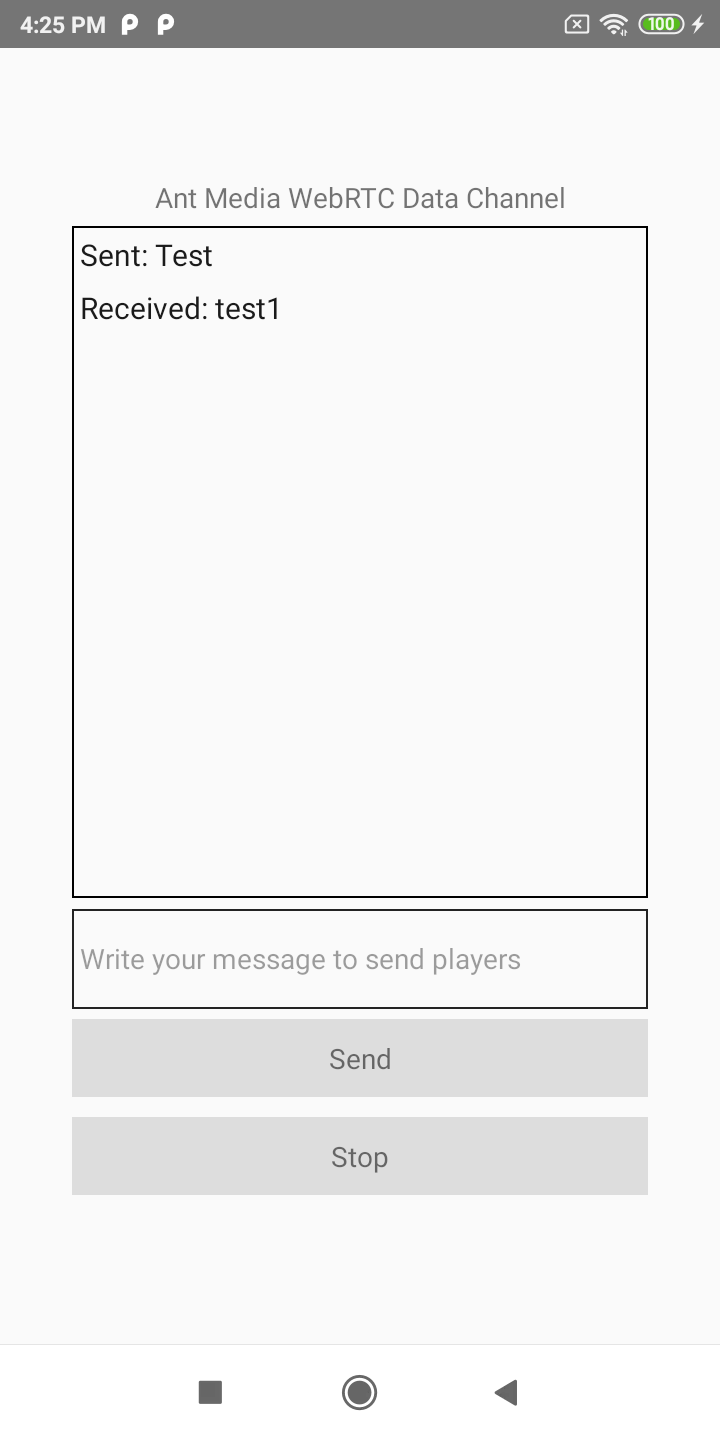
You can quickly play the stream via a sample page and test sending and receiving data channel messages:
https://your-domain:5443/WebRTCAppEE/player.html
Congratulations!
You have successfully set up the React Native app for data channel communication. Your app can now publish streams, send messages, and receive messages from other participants in real time, enabling live chat functionality over WebRTC. Enjoy experimenting with real-time messaging alongside your live streams!