WebRTC Playback
Ant Media Server (AMS) offers ultra-low latency WebRTC playback, enabling real-time streaming experiences.
Prerequisites
- Ant Media Server Enterprise Edition (EE): WebRTC playback is supported only in the Enterprise Edition.
- Open UDP Ports: Ensure that UDP ports 50000–60000 are open on your server's firewall to facilitate WebRTC traffic.
- Active Stream: Verify that the stream is actively broadcasting on the server before attempting playback. Quick Link: Learn How to Publish with WebRTC
- TURN Server (Optional): If viewers are behind corporate firewalls or experience restricted network conditions, consider routing WebRTC traffic through a TURN server here.
- Visit
https://AMS_domain_name:5443/live/player.html. - If you're running Ant Media Server on your local computer, you can also visit
http://localhost:5080/live/player.html - Write the stream id in text box,
stream1by default.
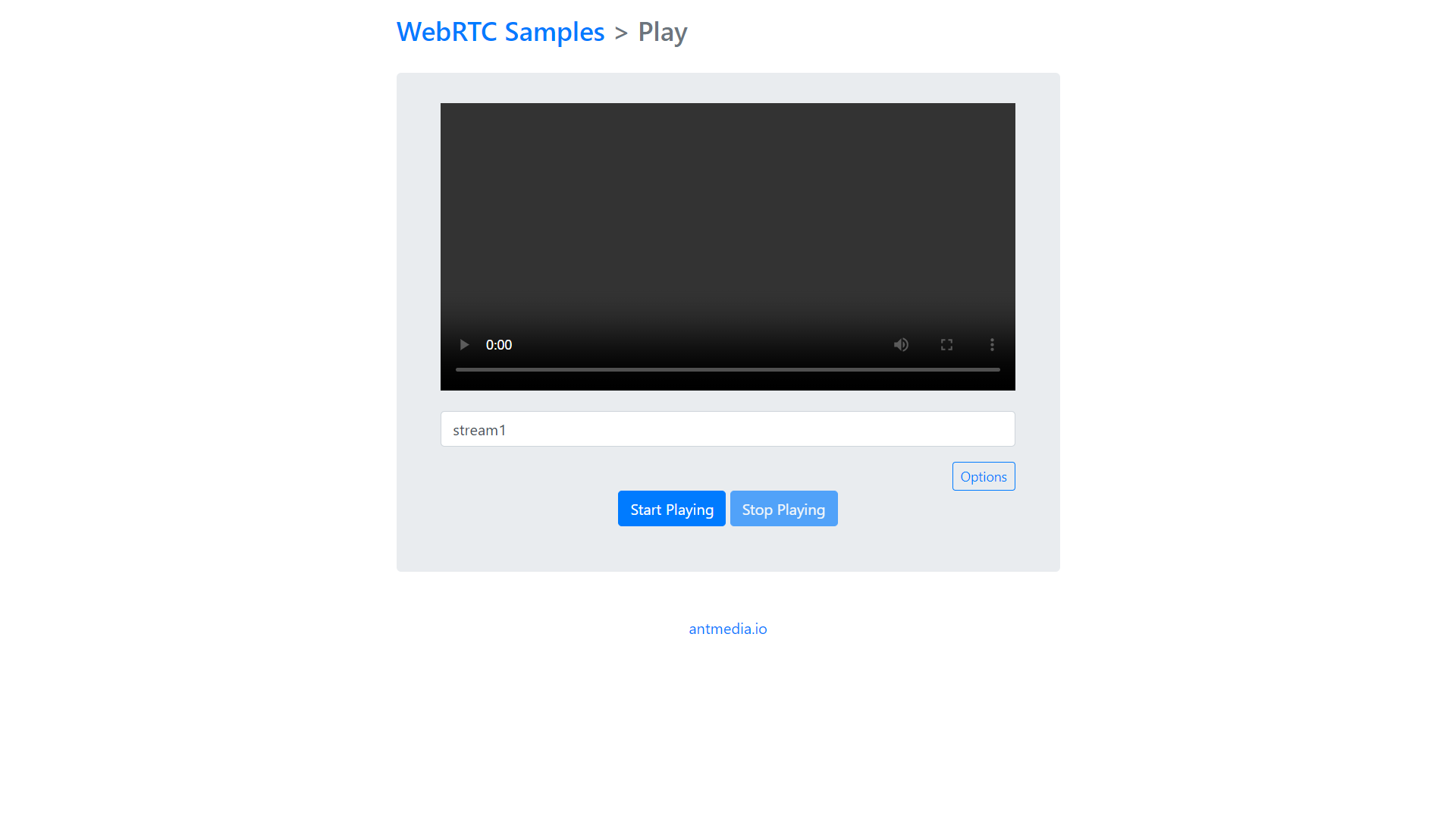
-
Press
Start Playingbutton. After you press the button, the WebRTC stream starts playingYou can also use the URL format listed below to play the WebRTC stream using the Ant Media Server Embedded web player, play.html:
https://AMS_domain_name:5443/live/play.html?id=streamId
Check Embedded Web Player document for more information.
Congrats. You're playing your stream with WebRTC having ultra-low latency.
WebRTC Playback- Slice of cake! 🍰
Congratulations! You've successfully set up WebRTC playback with Ant Media Server. Your viewers can now enjoy real-time streaming with minimal latency, enhancing their viewing experience. With WebRTC, you've embraced a modern, efficient streaming protocol that ensures high-quality delivery and responsiveness. Your content is now more accessible and engaging than ever before.