WebRTC Conference
- Open the /example/src/Conference.tsx file and update the defaultRoomName variable for streamId and the webSocketUrl variable with your server domain or IP address.

- Open the /examples/android folder and provide read, write, and execute permissions to the gradlew file.
chmod 750 gradlew
- Move to the examples folder, edit the below index.js file as below:
import { AppRegistry } from 'react-native';
//import App from './src/App';
//import App from './src/Play';
//import App from './src/Peer';
import App from './src/Conference';
//import App from './src/Chat';
import { name as appName } from './app.json';
AppRegistry.registerComponent(appName, () => App);
- Run the below commands to run the Conference sample React native app.
npm install
npm run android
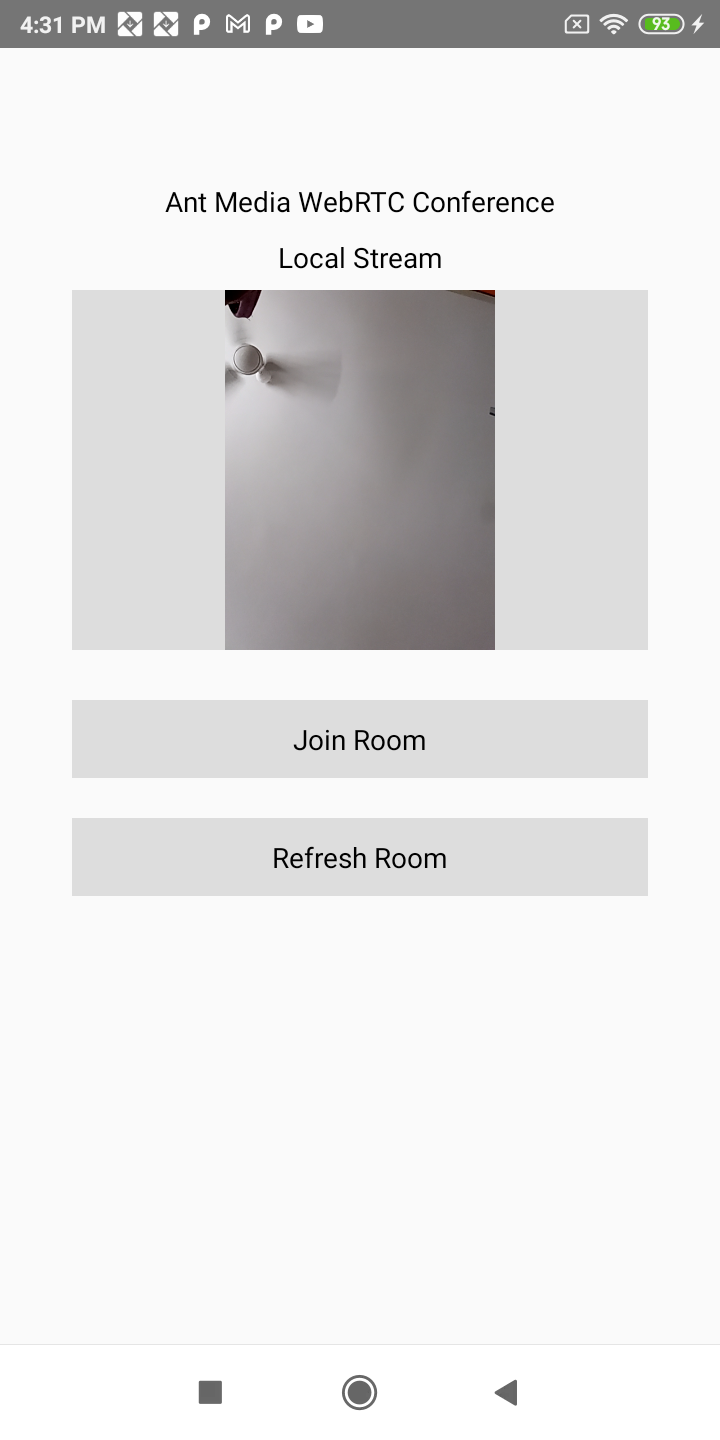
- When multiple streams connect to the same roomId via Android, iOS, or the web, a conference room will be established. Users can now communicate with each other in real time.
You can also quickly join the conference room using the sample page:
https://your-domain:5443/WebRTCAppEE/conference.html
Congratulations!
You have successfully set up the React Native app for multi-user WebRTC conferencing. Your devices can now join a shared room, publish their streams, and receive streams from other participants, creating a fully interactive live conference experience. Enjoy collaborating and testing with multiple users seamlessly!