Setting Up Firebase Project
Step 1: Setting Up Firebase Project
Before integrating Firebase Cloud Messaging (FCM) into your Android app, you need to set up a Firebase project:
Create a Firebase Project:
- Go to the Firebase Console.
- Follow the setup wizard to create a new Firebase project.
- Once created, download the google-services.json file and place it in the app directory of your Android project.
- Add Cloud Messaging to your project via Firebase Console.
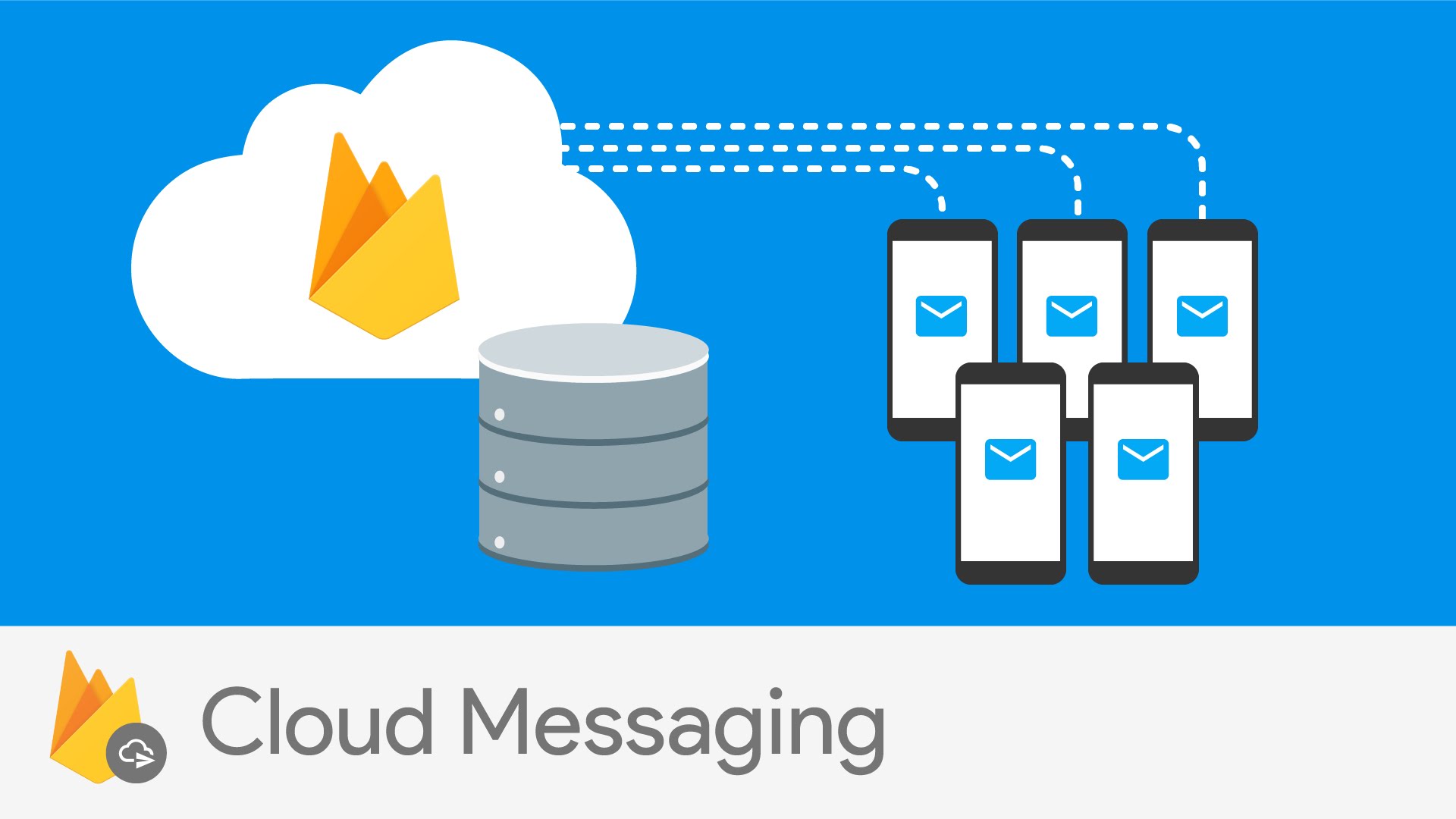
Congratulations!
You’ve successfully created and configured a Firebase project to support push notifications. With FCM connected, your Android app is now ready to send and receive real-time notifications, giving your users instant updates and a more engaging experience.