Using MongoDB Atlas with AMS
MongoDB Atlas is a multi-cloud database service. It simplifies deploying and managing the databases while offering the versatility to build resilient and performant global applications on the cloud providers of your choice like AWS, Azure, etc.
In this document we'll explain how to use MongoDB Atlas with Ant Media Server.
Creating a MongoDB Atlas Database
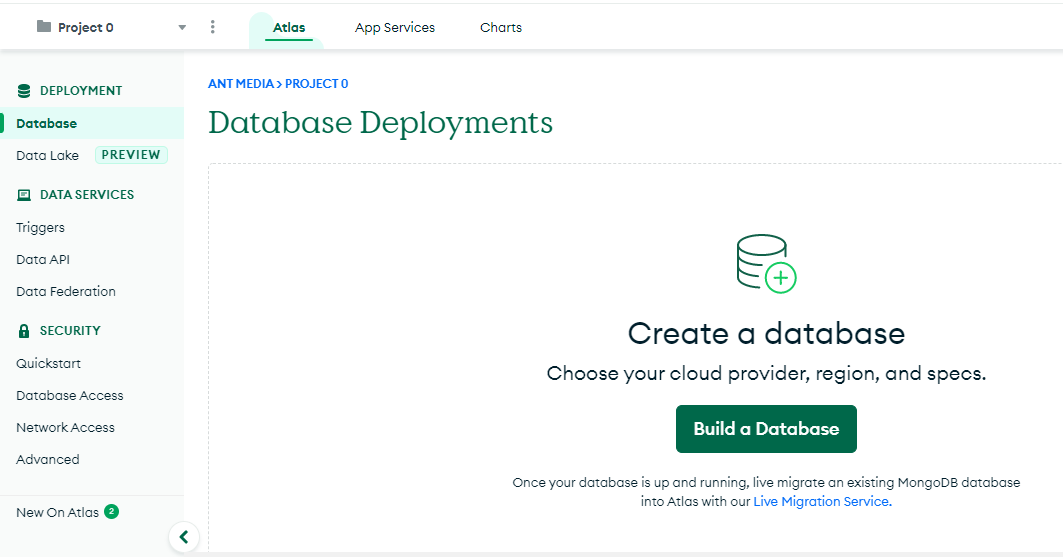
"Navigate to the 'Database' section of your Atlas account and click on Create a database.
You can create the type of MongoDB cluster that you want by simply choosing any of the available options like Serverless, Dedicated or Shared in your choice of region of your cloud Provider.
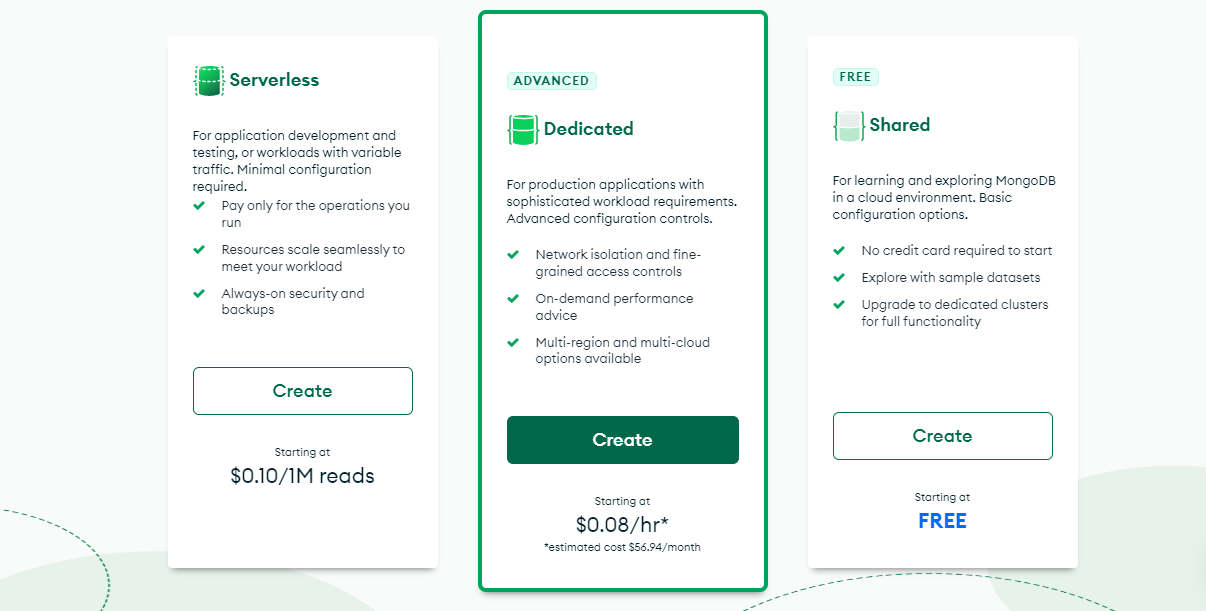
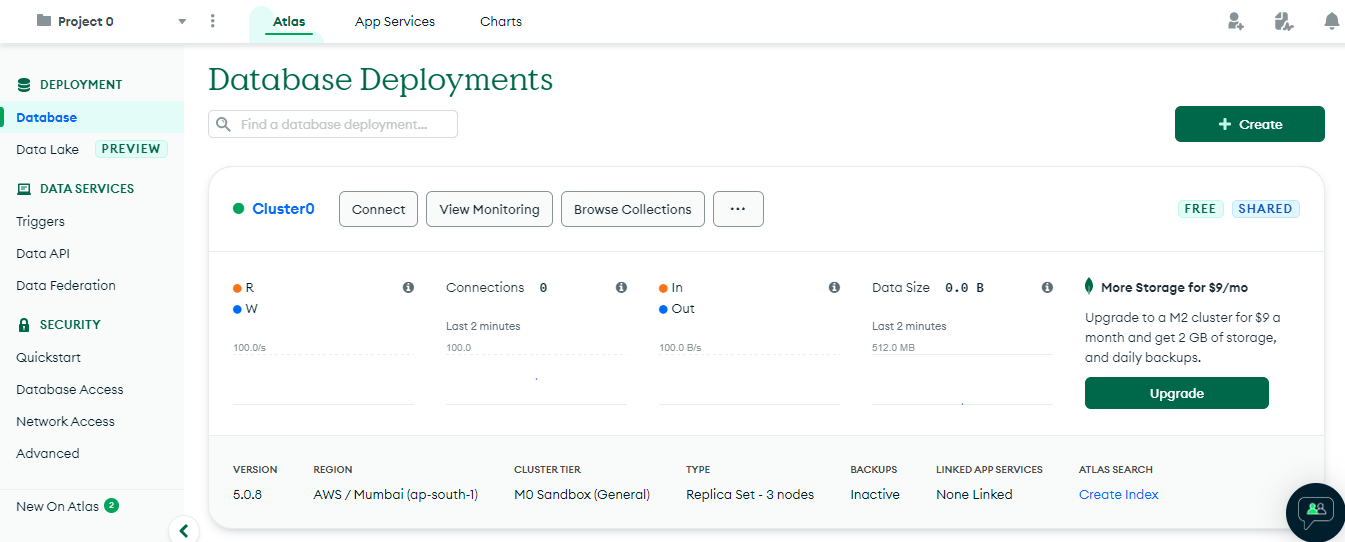
After completing all necessary fields, click 'Create cluster.' The database cluster will be ready in a few minutes.
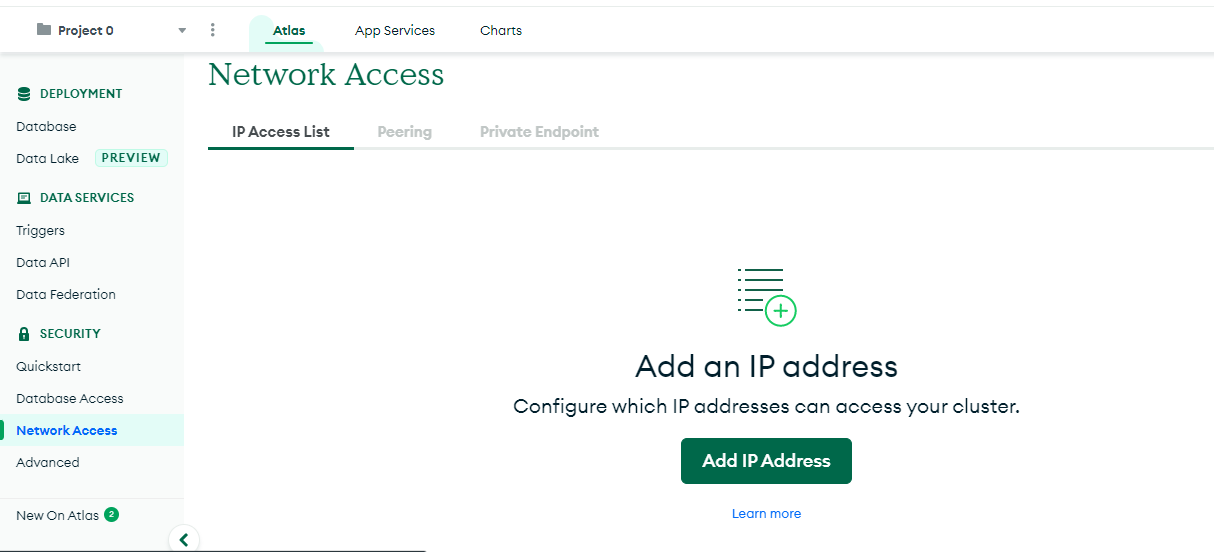
Next, configure the IP addresses that can access the Atlas database by navigating to 'Add IP Address' under 'Network Access.
Next, let’s create the database users for accessing the Atlas Database by clicking Database Access.
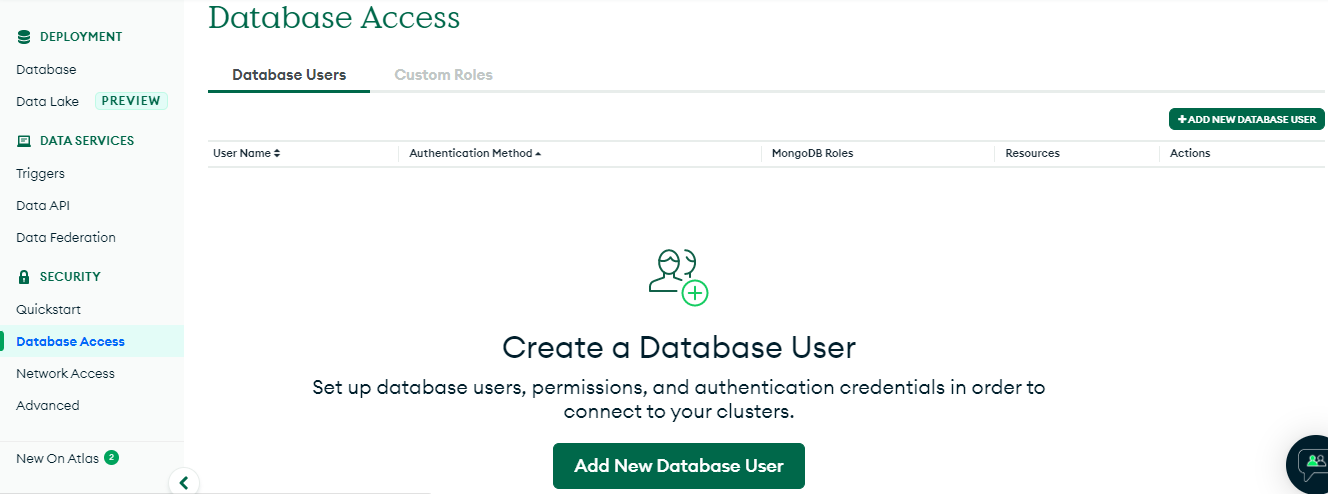
Using MongoDB Atlas with AMS Cluster
We can use MongoDB Atlas as the database for running AMS in cluster mode.
There are different ways in which Atlas mongodb+srv URI can be used to switch to cluster from standalone mode by either using the change_server_mode.sh script or through start.sh script.
Using start.sh script is better when using Kubernetes or Docker based containers. Whereas when running the AMS server as a service, using change_server_mode.sh is more suited.
Using mongoDB+srv URI with change_server_mode.sh
For MongoDB Atlas connections, you can directly give the mongodb+srv URI under antmedia directory as follows.
sudo ./change_server_mode.sh cluster mongodb+srv://<username>:<password>@<url>
Using mongoDB+srv URI with start.sh
In start.sh script there are some MongoDB parameters like:
- -h for mongoDB host
- -u for mongoDB username
- -p for mongoDB password
These parameters can be passed when starting Ant Media Server with start.sh
sudo ./start.sh -m cluster -h mongodb+srv://username:password@url
One critical point to note is that when we specify the URL with MongoDB or monodb+srv, it's compulsory to provide the username and password.
🌍 MongoDB Atlas Integration — Global Streaming, Effortless Delivery! 🚀
Congratulations! Your Ant Media Server infrastructure now leverages MongoDB Atlas, enabling seamless global streaming with resilience and speed.
This isn’t just an integration — it’s a foundation for delivering world-class streaming experiences to audiences anywhere, anytime. Your platform is now ready to shine globally! 🌐🎬