Google Cloud CDN Integration with Ant Media Server
Streaming high-quality video content to a large audience demands robust infrastructure. This guide explains how to use Google Cloud CDN with Ant Media Server to deliver HLS streams at scale.
What is Google Cloud CDN?
Google Cloud CDN is a global network of edge servers distributed worldwide. By caching content at these edge locations, it reduces latency and improves content delivery performance for end users.
Prerequisites
Before beginning, make sure the following services are enabled in your Google Cloud account:
- Google Cloud Marketplace
- Compute Engine
- Load Balancing
- Cloud CDN
Launch Ant Media Server Enterprise Edition
Ant Media Server Enterprise Edition is available on Google Cloud Marketplace.
- Open Google Cloud Marketplace and locate Ant Media Server Enterprise Edition.
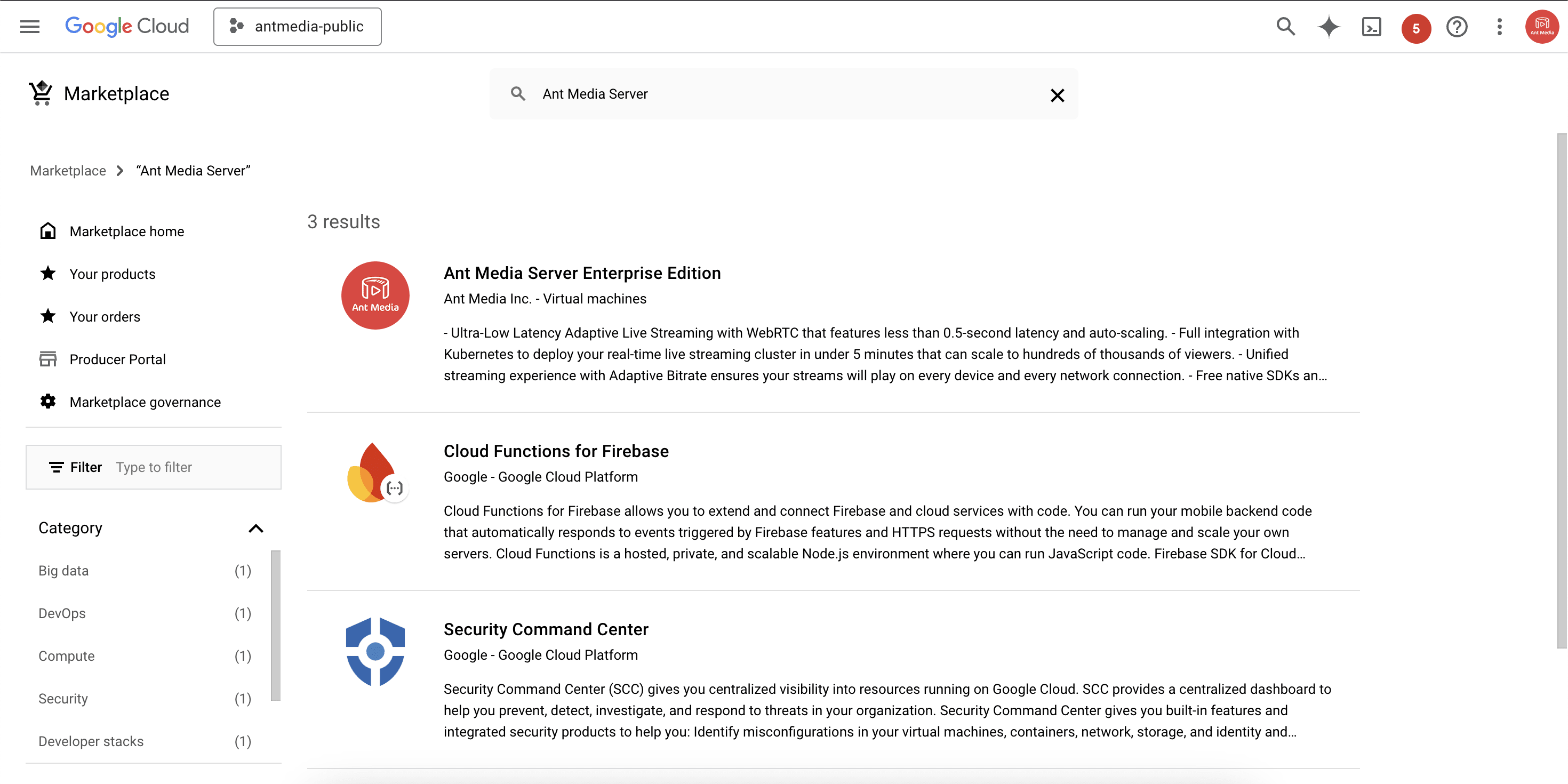
- Click Launch to start the installation.
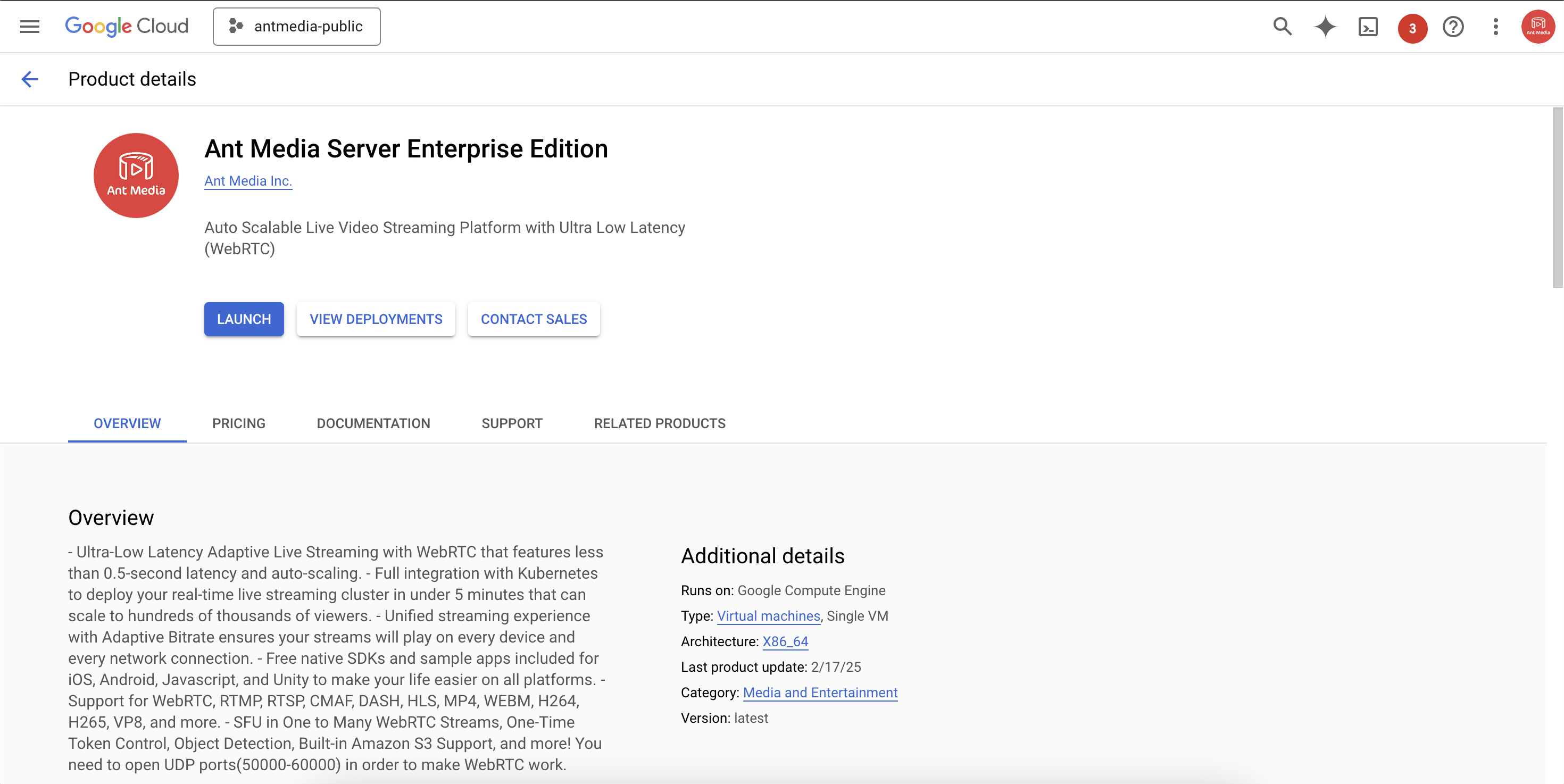
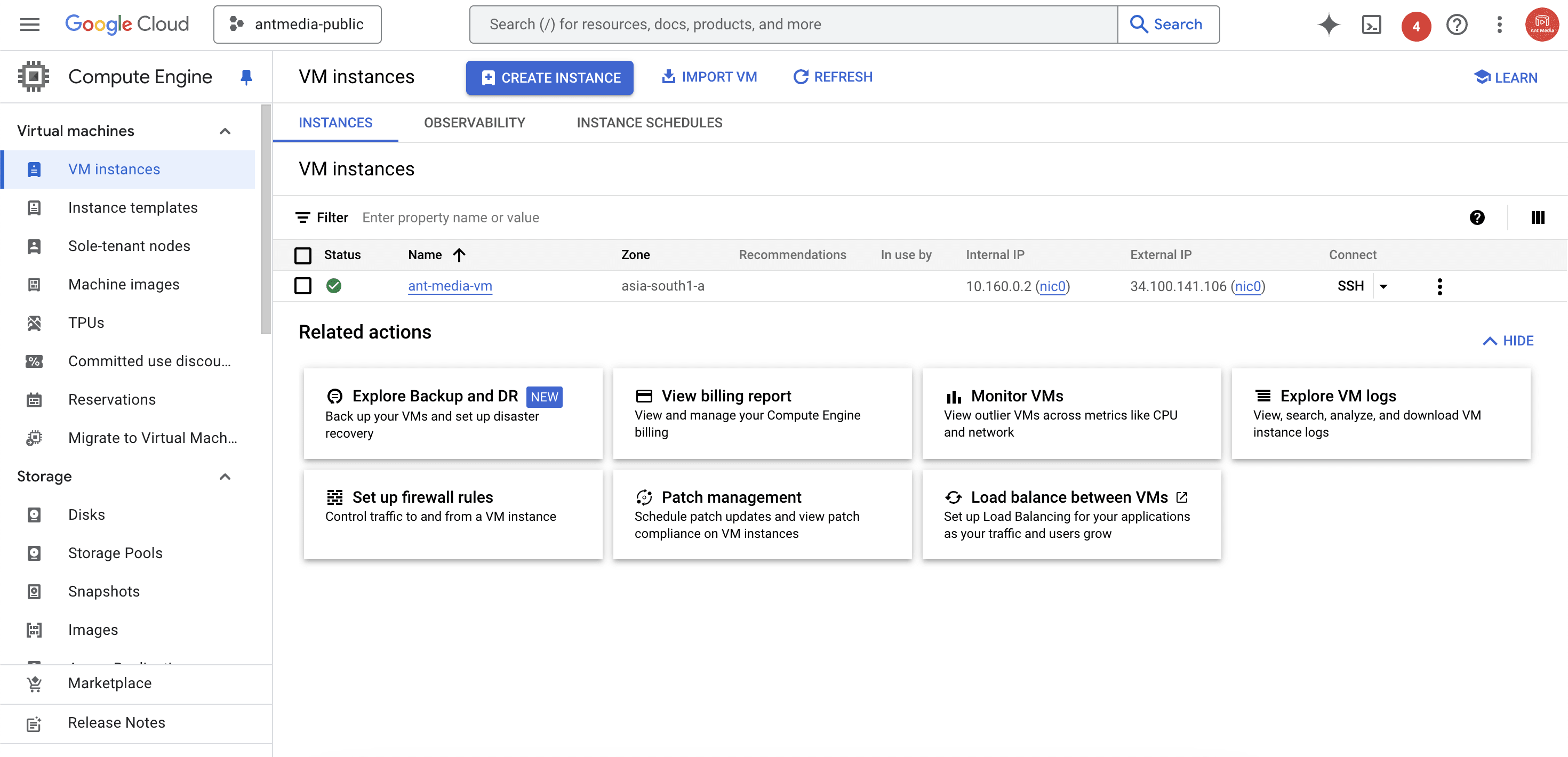
- After deployment, note the External IP address of the instance. This will be required in later steps.
Configure Google Cloud CDN
After launching Ant Media Server on Google Cloud, configure Cloud CDN:
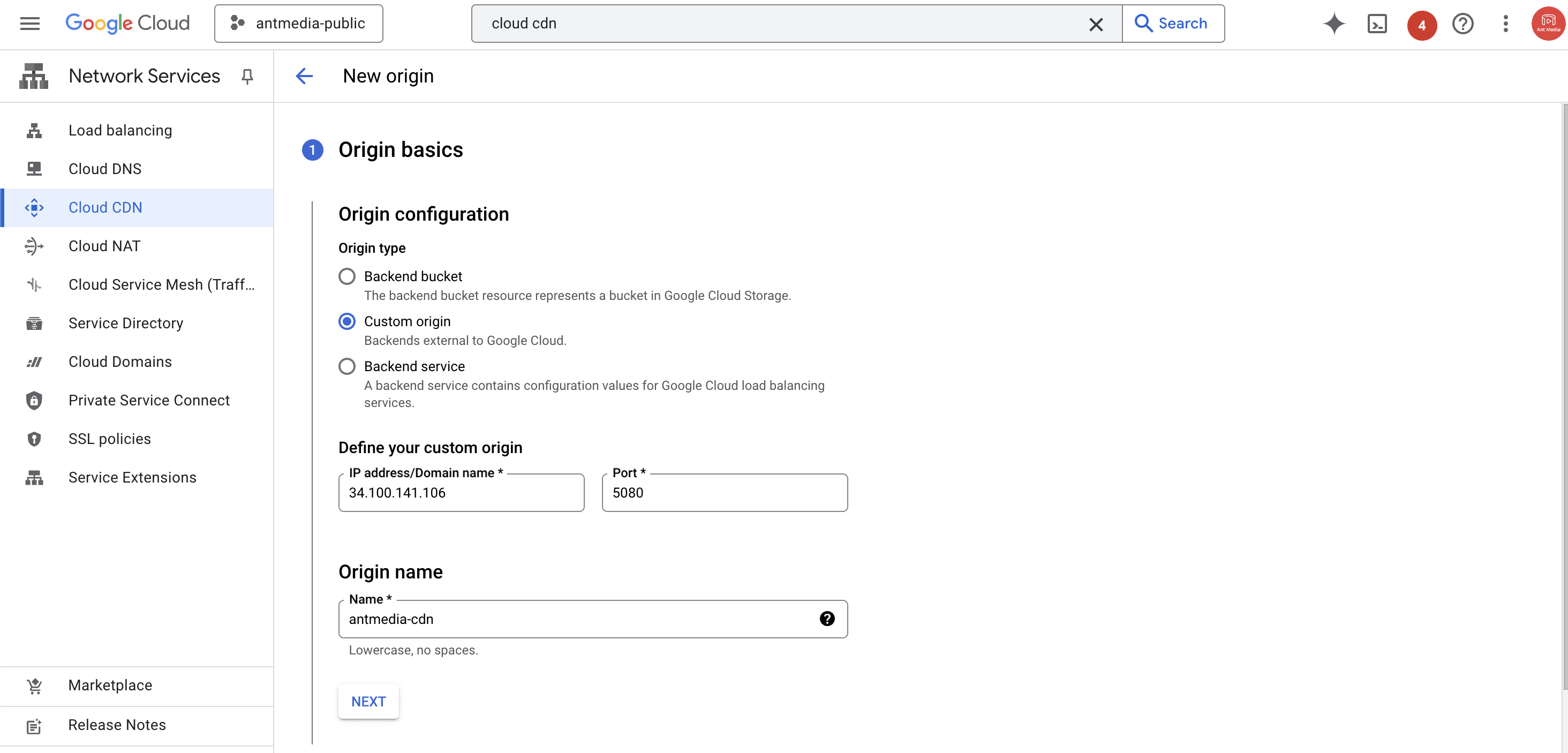
- Navigate to the Cloud CDN service and select Add Origin.

- Choose Custom Origin and enter the External IP address of the Ant Media Server Enterprise instance with port 5080. Provide an origin name and continue.
- Select Create new load balancer, enter a name for it, and continue.

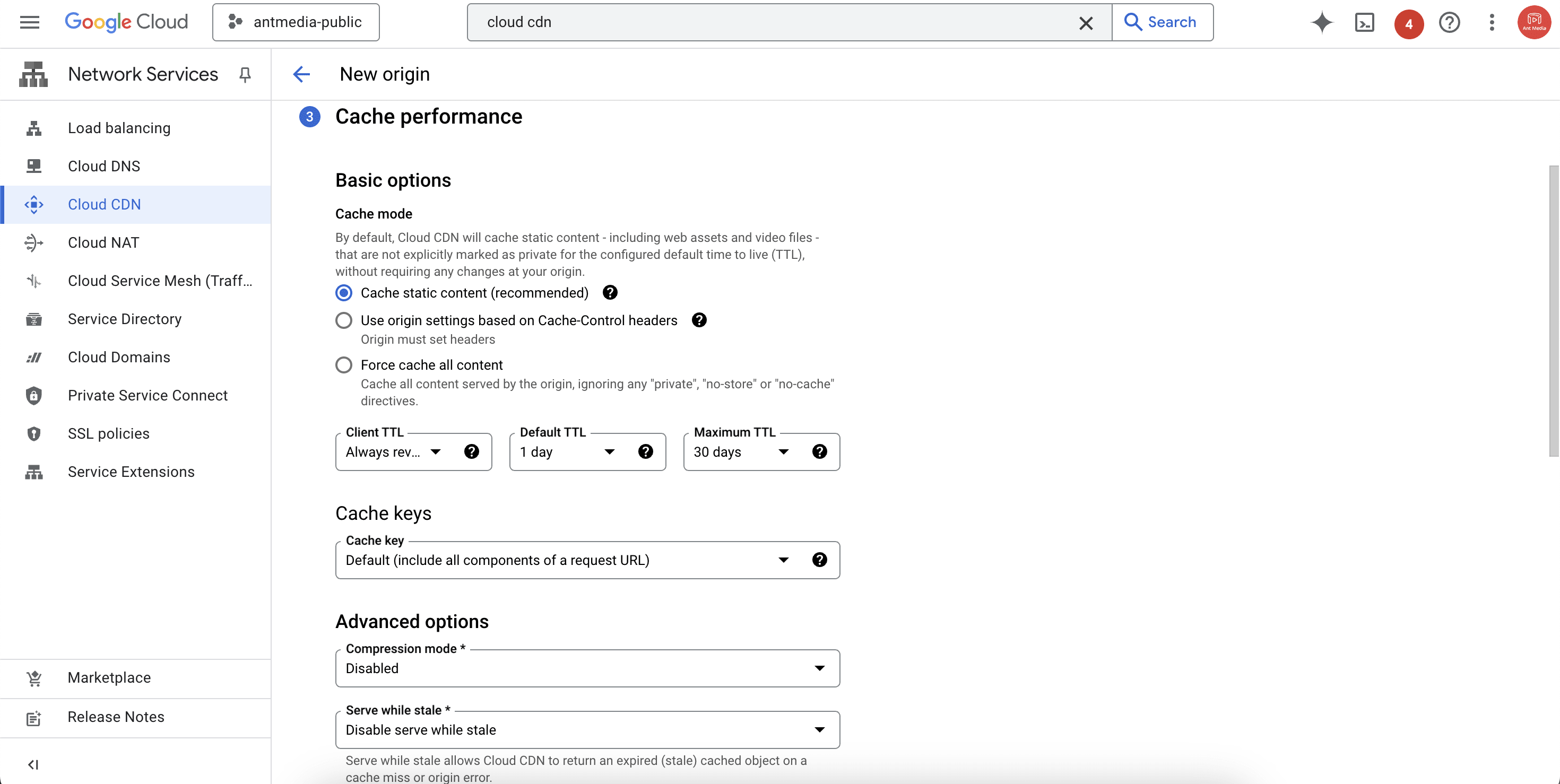
- Configure TTL settings as needed. Leave other settings at default and complete the setup.
Publish Live Stream with Ant Media Server
Once the Cloud CDN is configured, you can broadcast a live stream with Ant Media Server:
-
Follow the Publish Live Stream guide to broadcast. For this example, publish an RTMP stream using OBS.
-
Create an HLS playback URL using the Cloud CDN load balancer IP address:
http://your_cloudcdn_load_balancer_ip_address/live/play.html?id=your_stream_Id&playOrder=hls
- Open the URL in your browser to test playback.
Congratulations!
By completing these steps, you have:
- Deployed Ant Media Server Enterprise on Google Cloud.
- Configured Google Cloud CDN with a load balancer in front of Ant Media Server.
- Published and played back an HLS stream delivered via Cloud CDN.
You can now scale video delivery to a global audience with reduced latency and improved reliability using Google Cloud’s infrastructure.