Create an Android App Project in Android Studio
Step 2: Create an Android App Project in Android Studio
- Open Android Studio and create a new project with No Activity.
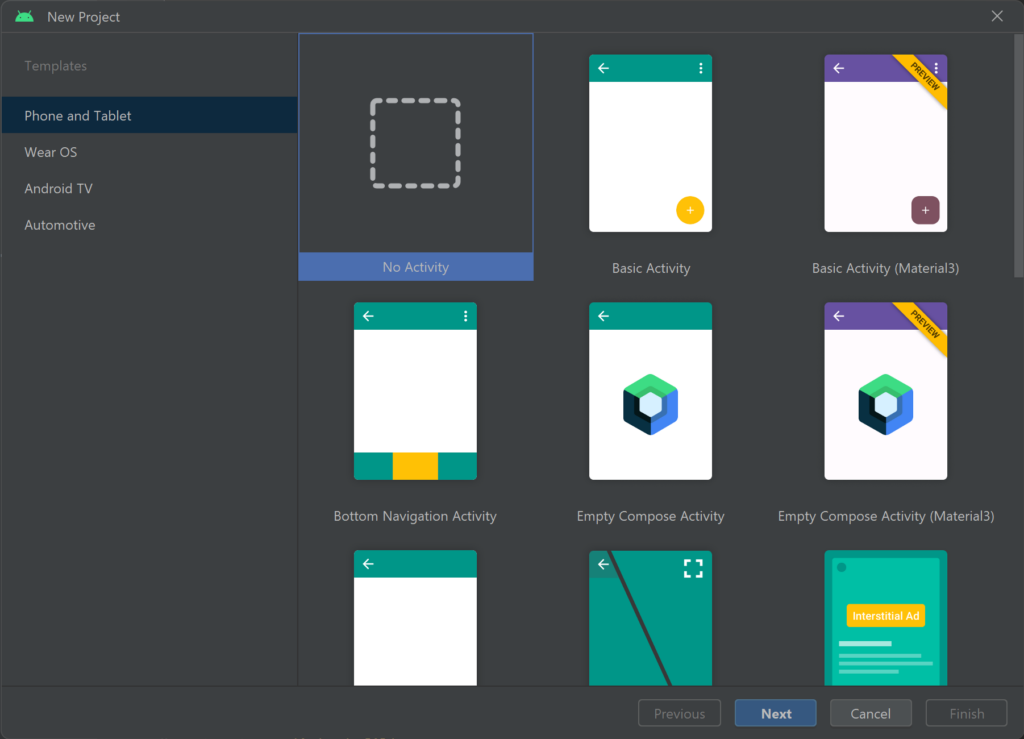
- Select No Activity and then click Next.
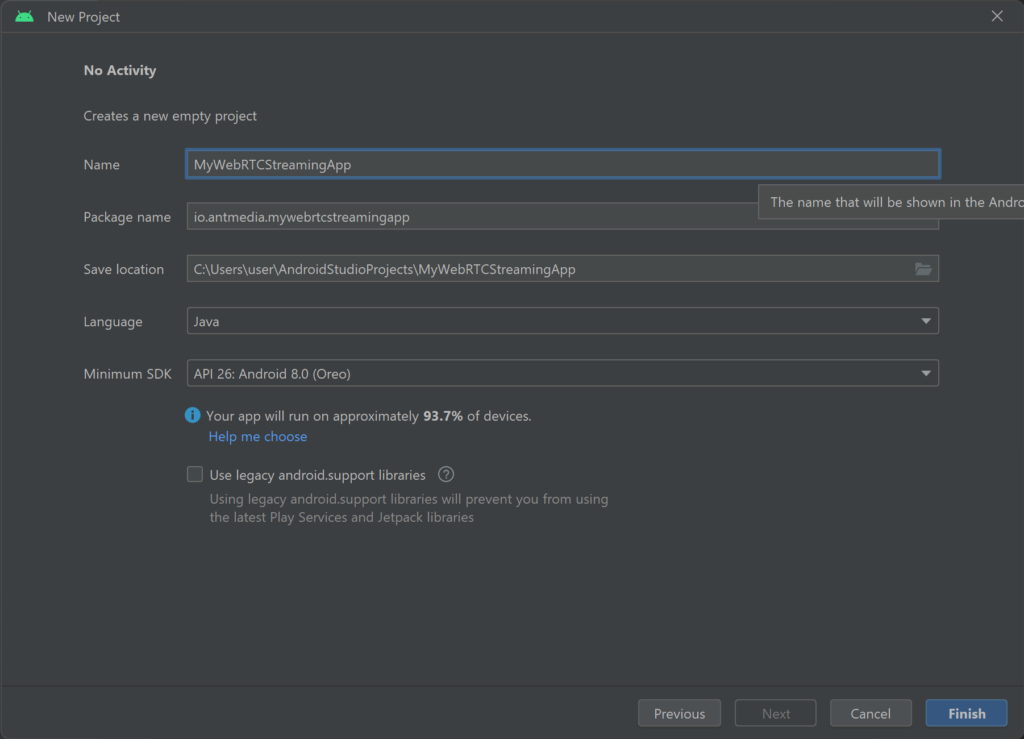
- Give your application a name, and then click Finish. We will call it
MyWebRTCStreamingApp.
Congratulations!
You have successfully created your WebRTC Android SDK application project.